
Article by ShortDot
What Is Data Leakage In Mobile Apps And How Brands Can Prevent It
Sep 07 • 13 min read
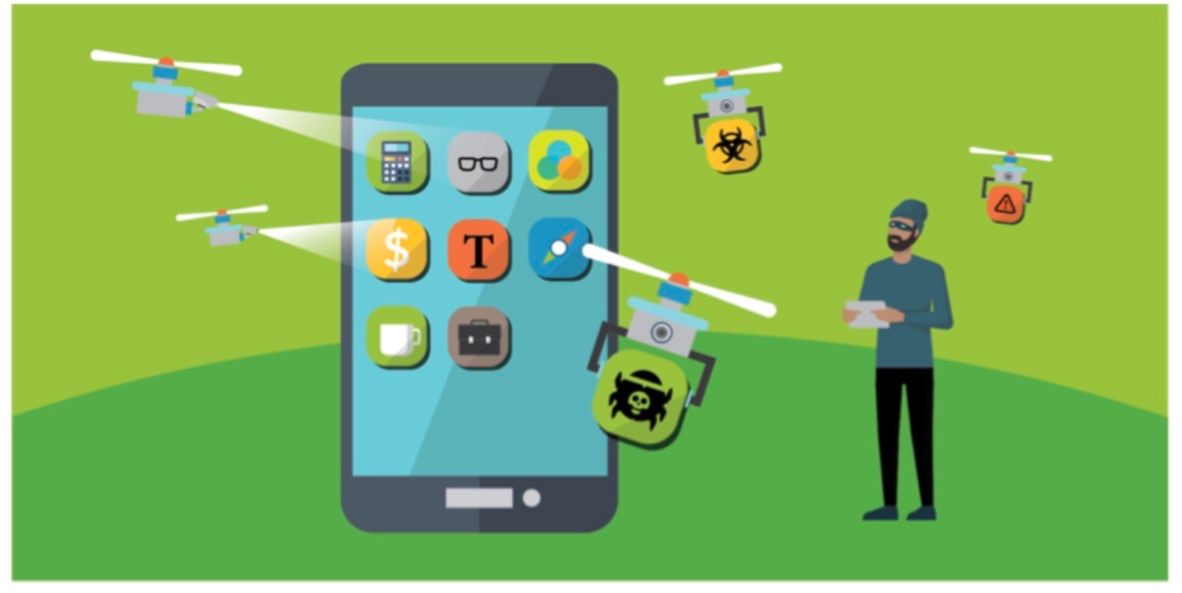
For brands that use mobile apps to engage customers and sell products and services, data leakage is a cybersecurity problem which if not prevented can damage their reputation.
Imagine a customer downloading your mobile app, entering their personal details to sign up so as to order and pay for your services without knowing their information is not safely stored and could be exposed to hackers and frauders.
That's a mobile app data leak in action.
Sometimes it doesn't have to be a hacker breaking into mobile apps.
It could be as a result of the cloud database being configured incorrectly, a developer accidentally leaving an API key inside an application’s code, or authentication token that wasn’t well protected.
The amount of data modern apps collect make it fatal when there is a leak.
Imagine the email address, authentication information, location history, credit card details of over 2000 customers that use a brand’s mobile app being exposed. That’s a bigger cybersecurity concern.
So for brands with mobile apps, preventing data leakage goes beyond blocking hackers and phishing attacks.
It includes understanding where user information goes, who accesses it and whether every part of the app’s ecosystem is protecting it properly.
In this guide,you will learn what data leakage in mobile apps entails and different ways brands that use mobile apps to run their business can prevent it.
What Is Data Leakage In Mobile Apps?
It’s simply the unauthorized, unintended, transmission, excessive exposure, or sharing of information which a mobile application handles.
It’s different from a data breach which involved an unauthorized party gaining access to protected information as a result of security vulnerabilities or attack.
There have been cases of mobile apps leaking sensitive information of customers.
An example is Flo Health, a fertility tracking app that accidentally leaked confidential health information of millions of its users as result of integrations with third-party marketing tools.
The breakdown of that case study can be found on the official website of US FTC.
Major Types Of Data That Can Leak From Mobile Apps
As a brand, it’s important you know the major type of data leakage that can happen in your mobile app.
Personal information - It includes names, email address, date of birth, and phone numbers.
Authentication information - It involves API and account recovery details, sessions ID and password.
Financial information - This has to do with customers credit card details, bank information, payment identifiers and transaction information.
Device information - Operating system information, IP addresses, and device IDs.
Location information - Travel history, location patterns, and GPS coordinates.
How Does Data Leakage Happen In Mobile Apps?
Before we dive into how to prevent data leakage in mobile apps, let’s first understand how it happens.
Unsecured data storage: This is the easiest way mobile data leakage happens. When customers' passwords are stored in plain text, cached information and authentication tokens aren’t secured, sensitive information is likely to leak.
Unsecured backend servers and APIs: Most of the sensitive information on mobile apps live on the backend servers and are accessed through APIs. So when the API isn’t secured adequately, user profile, financial information, authentication token and other sensitive data get exposed.
This is more important for businesses building fintech app development solutions, where applications handle highly sensitive financial and personal information.
Third party SDKs: Many people overlook this especially when they are made to believe that a particular type of SDK is 100% safe. That isn’t the case always, as they can introduce security risks when integrated with your mobile application.
Misconfigured cloud storage: Cloud storage is used to store sensitive information like customer profiles, transaction records, analytics information, etc. However, a slight misconfiguration error can leak sensitive information of customers to the public.
Excessive App Permission: A mobile app that is built to request excessive permission will likely collect more data than it can handle.
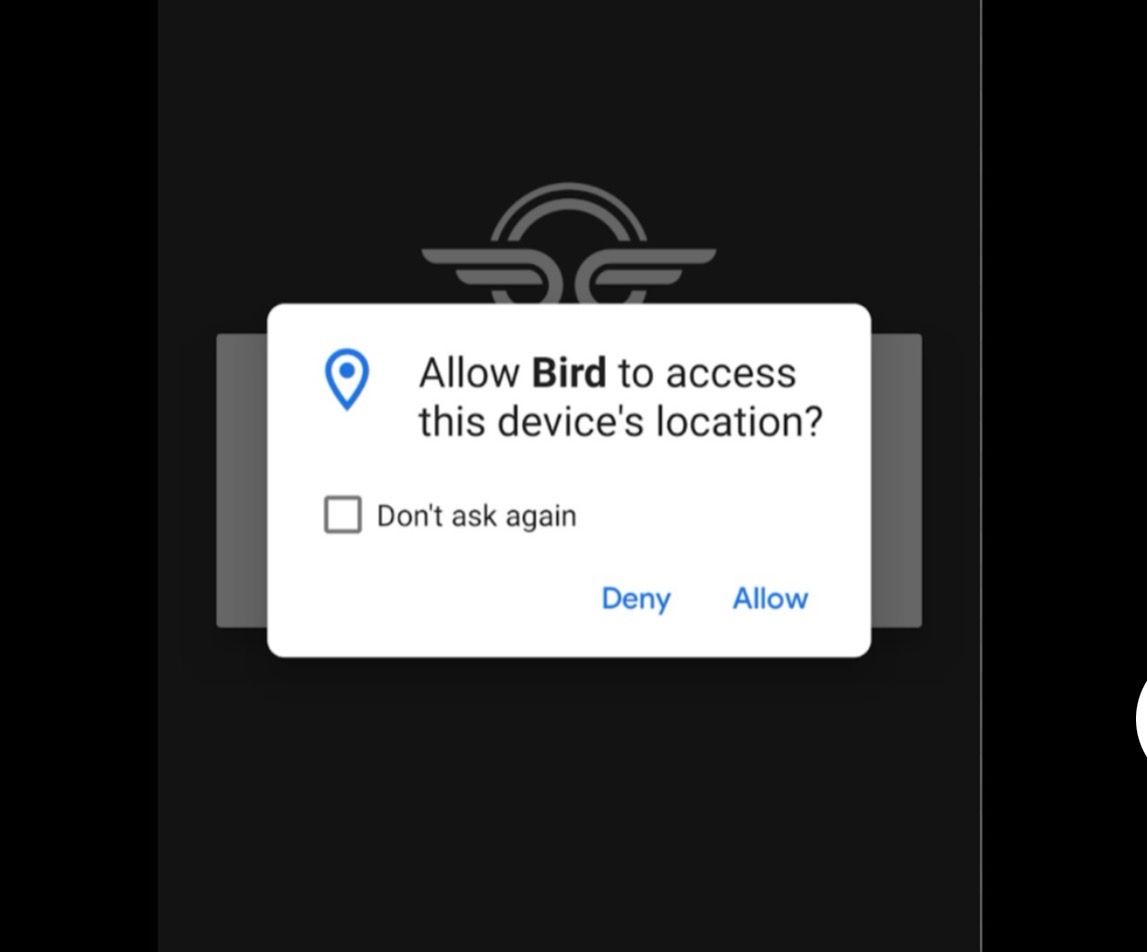
With that, the chances of leaking it internally or externally is high.
How Brands Can Prevent Mobile App Data Leakage
Now you understand what data leakage in mobile apps is, how they harm brands , major types of mobile app data leakage, and how they happen, let’s look at ways to prevent it.
Conduct Regular Security Testing
Some brands make the mistake of conducting security testing only before their mobile app is launched. It should be a regular and continuous process throughout the applications development and maintenance.
Since it’s expected your app will have new features, third party SDK, software updates, APIs and cloud services, it’s likely they can introduce vulnerabilities that weren’t there when the app was first launched.
Regular security testing gives you the advantage of identifying weaknesses and security lapses before attackers and unauthorized parties exploit them.
The best approach in this case is to carry out an Autonomous Pentest.
Here you continuously test web applications and Active Directory environments to map out attack surface, identify potential attack paths, and other vulnerabilities in your mobile application that can result in mobile data leak and fix them quickly.
You can also ask your developer and security team to manually review sensitive codes especially those responsible for authentication, data storage, payments and encryption.
Collect Less Data
I have downloaded and signed up for different mobile apps. And one mistake I often see is collecting too much data, some of which in my assessment, a brand doesn’t need.
The more data you collect, the more infrastructure you deploy to protect them. So it’s better to practice data minimization.
Collect only the information you need from a customer or client when they sign up to use your mobile application.
Let’s assume your brand has a food delivery app and a customer’s name, delivery address, and payment information is enough to process and complete their order, no need to request for their date of birth, access to their contact list or photo library.
You cannot leak information you didn’t collect, so it’s safe to collect less provided it’s enough to deliver satisfactory service to your customers.
Audit Third-Party SDKs
While third party software development kits make it easier to build mobile apps and have them load faster, they carry their own security risk.
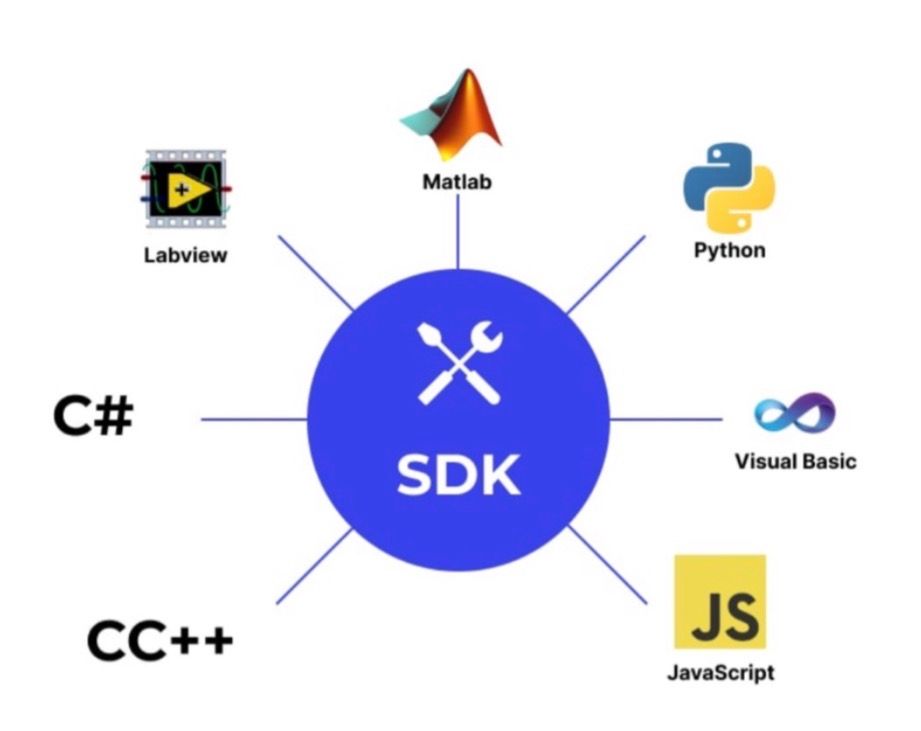
Yes, as a brand you can use SDKs for analytics, crash reporting, advertising, social features, etc, but it is another set of software that can interact with mobile app’s data.
For example, brands using referral marketing platforms such as ReferralCandy should also review how third-party tools interact with customer and referral data.
And since you can’t literally tell what every SDK inside your app is doing to user information, carrying out an audit is the best way to keep things safe.
Conduct a thorough security and privacy review before integrating SDKs into your mobile app.
Don’t make the mistake of thinking every reputable SDK is safe.
Check and understand the user information it can access, collect and where that information goes.
A practical SDK audit should ask the following questions:
What user data does it collect?
Why does it need the data?
Where does the data go?
Who controls the data?
How long is the data stored?
Can the data be deleted?
You or your security team should answer these questions before integrating an SDK into your mobile app.
Implement Privacy By Design
Keep privacy in mind when designing your mobile app. Consider it when you’re creating the product idea and throughout the mobile app development cycle.
It’s less expensive and more efficient to build in privacy when designing your mobile app instead of trying to fix a privacy issue that arises later.
Incorporate privacy during product design, architecture, development, testing, deployment and maintenance.
This makes it a product requirement, and business responsibility instead of treating it as a legal checkbox after the mobile app is fully developed.
Monitor What The App Sends
It’s important you monitor and verify what the App sends when it’s running. It isn’t enough to rely solely on privacy policy, documentation or developer’s intention to understand how the mobile app handles user information.
I have read of cases where an App is designed to collect a certain type of information but its APIs, thirty-party integration or SDKs trigger the transmission of additional information.
A 2024 study examining Android applications as reported by Arxiv.org found discrepancies between what some Android apps actually collect and what their privacy disclosures report.
This reinforces the need for brands that use mobile applications that run not just on Android but iOS to pay attention to the information their apps send.
Pay attention to the following:
SDK traffic: Monitor third-party SDK traffic to determine the information they collect and external services they transmit the information to.
Suspicious access patterns: Flag unexpected requests, repeated failed authentication and unusual large data transfers.
API request: Check the requests between the mobile app and back end servers to determine if the app is sending unnecessary data.
Authentication activity: Keep an eye on authentication requests, session activity and login attempts to flag unusual behaviors.
Unusual destination: Monitor external domains, and servers receiving information from mobile apps.
In Conclusion
Mobile app data leakage isn’t just a cybersecurity challenge. It’s a major business and reputation risk that can cause a brand its credibility, and hard earned goodwill.
As brands continue to build mobile apps that collect customer data, taking proactive measures to prevent data leakage is crucial.
I have shared with you what mobile app data leakage is, different types of it, how it happens and how you can prevent it as a brand.
It’s up to you to consult your developer or the security team that manages your app to ensure that every sensitive data your mobile app collects is safe and secured.
Author bio:
Chuks Chukwuemeka is a freelance SEO for SaaS brands. He loves writing articles on digital marketing and learning new things about SEO. Connect with him on LinkedIn.